Two probes in one cook
You can link a second probe to the same cook, for example at the other end of a large roast. You see both temperatures on the same screen, each with its own curve.
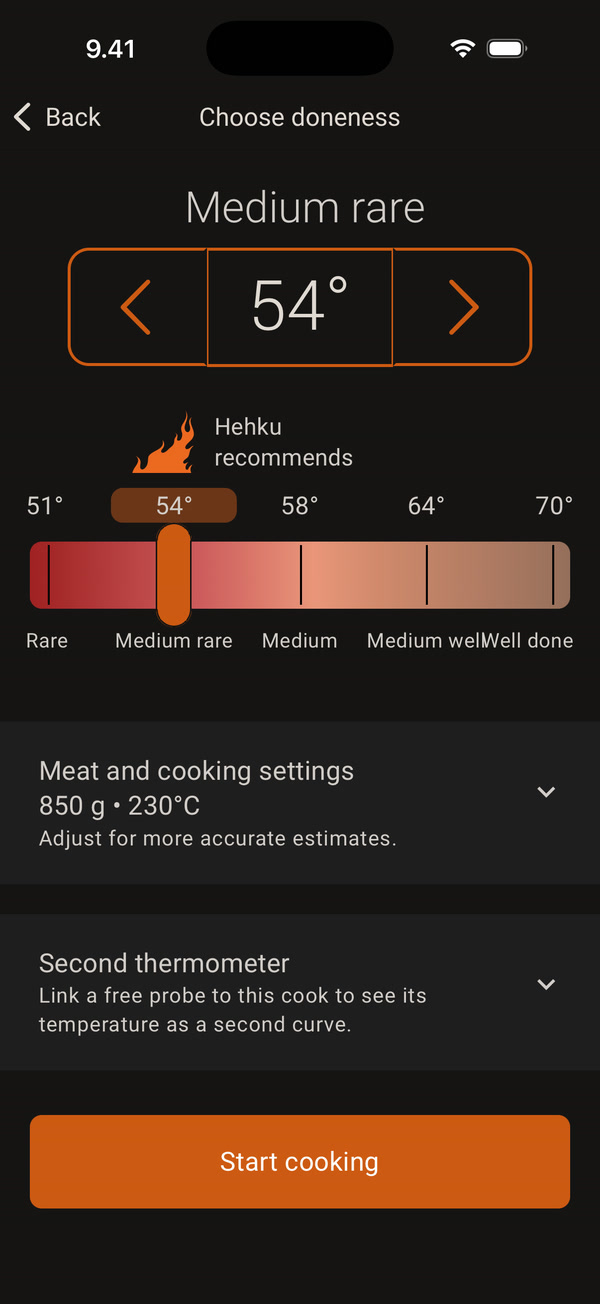
When you start a cook, the Choose doneness screen has a Second thermometer row at the bottom. The row only appears if a free probe without a cook of its own is connected to your phone. Tap the row to open it.
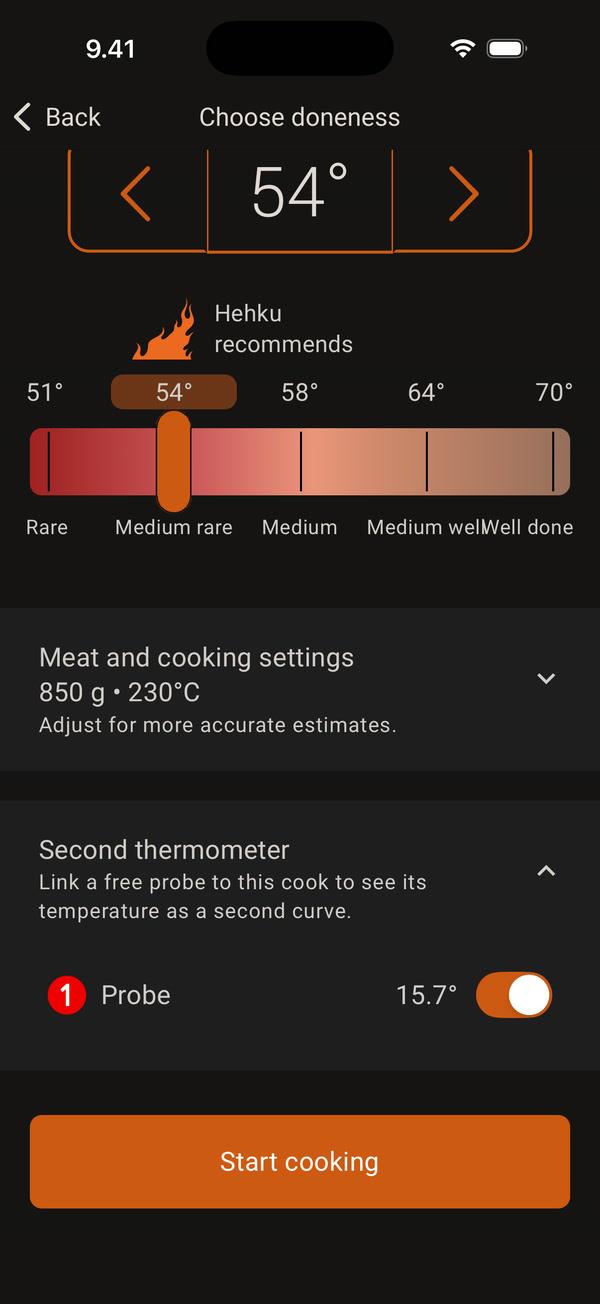
Turn on the switch of the probe you want to link to the cook. The row shows the probe number and its current temperature. Then tap Start cooking. The second probe can be the other probe of a Duo or the probe of another dock.
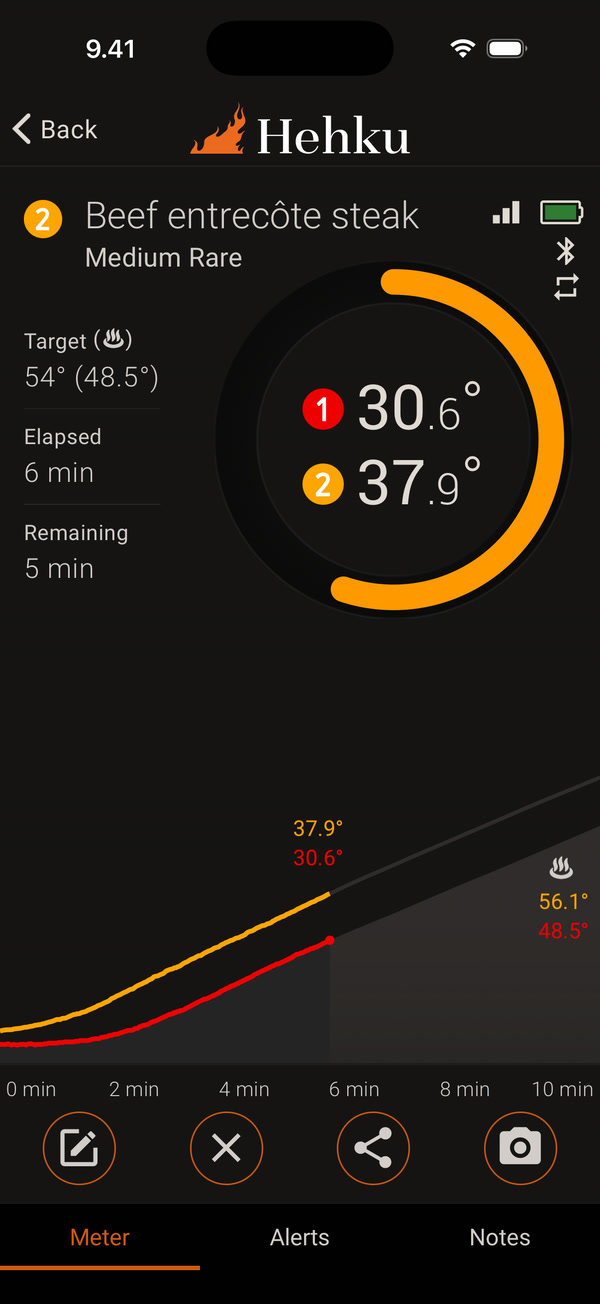
On the thermometer screen, the ring shows both readings one above the other with the probe number, and the graph has two lines. The estimate and the alerts follow the colder reading.
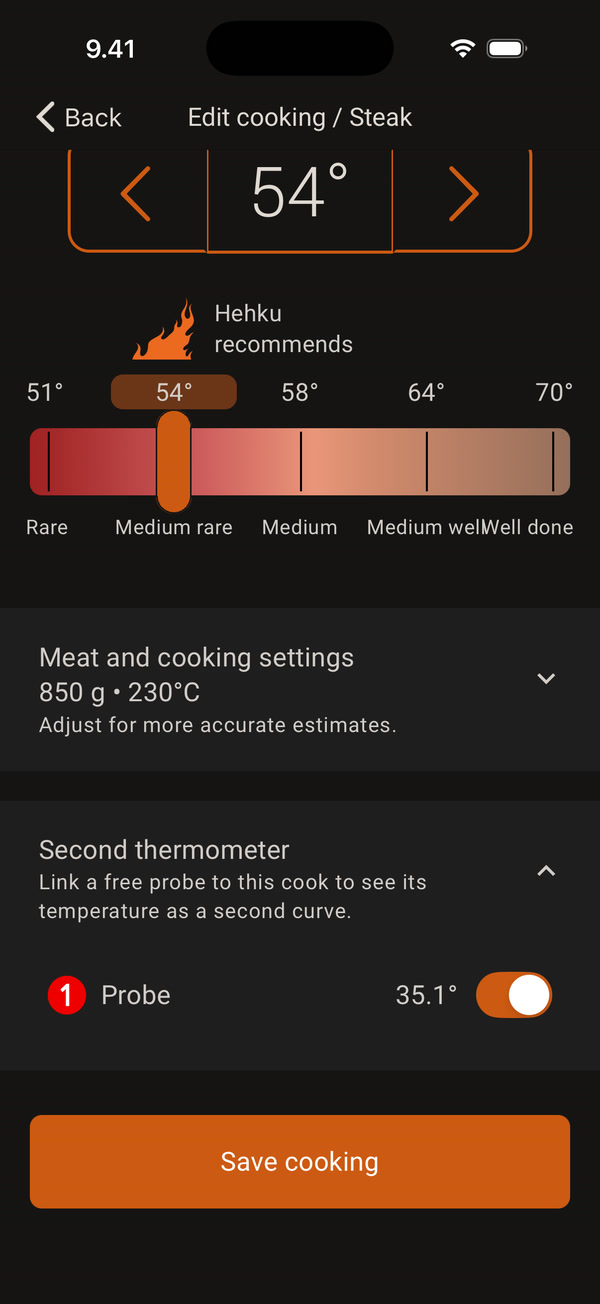
You can also link a second probe in the middle of a cook. On the thermometer screen, tap Edit cooking (the pencil icon), open Second thermometer, turn the probe on and tap Save cooking. You can unlink the probe in the same place, and its curve stays in the graph.
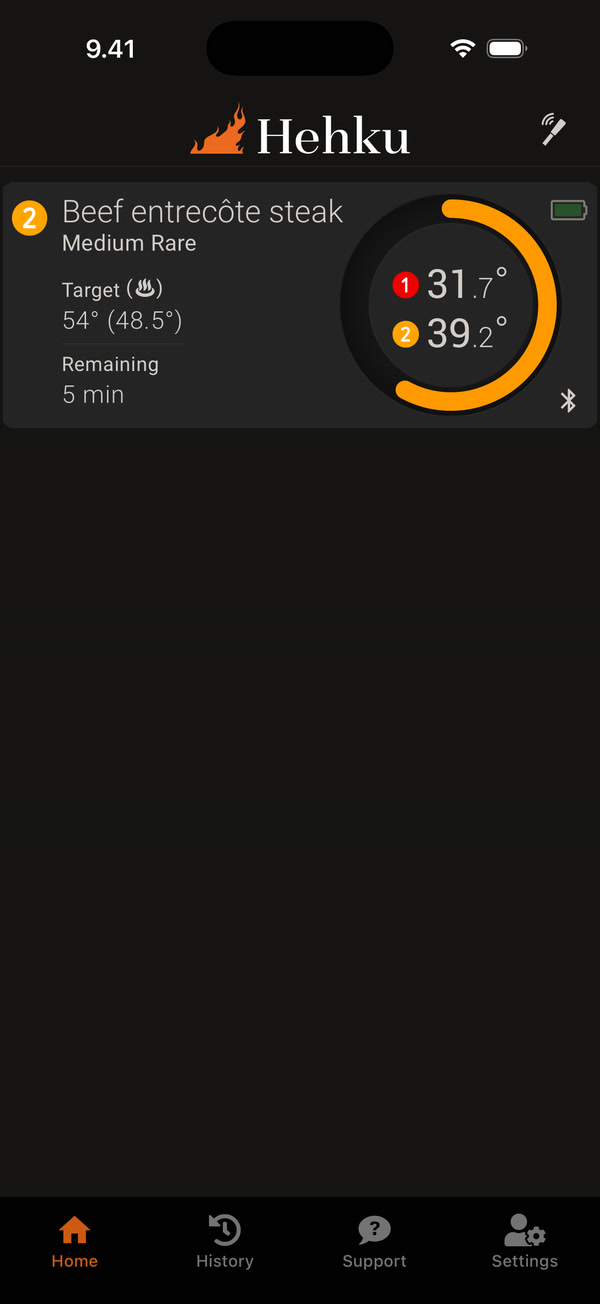
On the home screen, the cook has one card that shows both readings. The linked probe has no card of its own.
You can link one second probe to a cook. Resting is done only when the temperature of both probes has dropped from its peak.


