While you cook, Hehku works out when to take the meat off the heat, and then follows the resting until the end. In this example we cook a beef entrecôte steak medium rare.
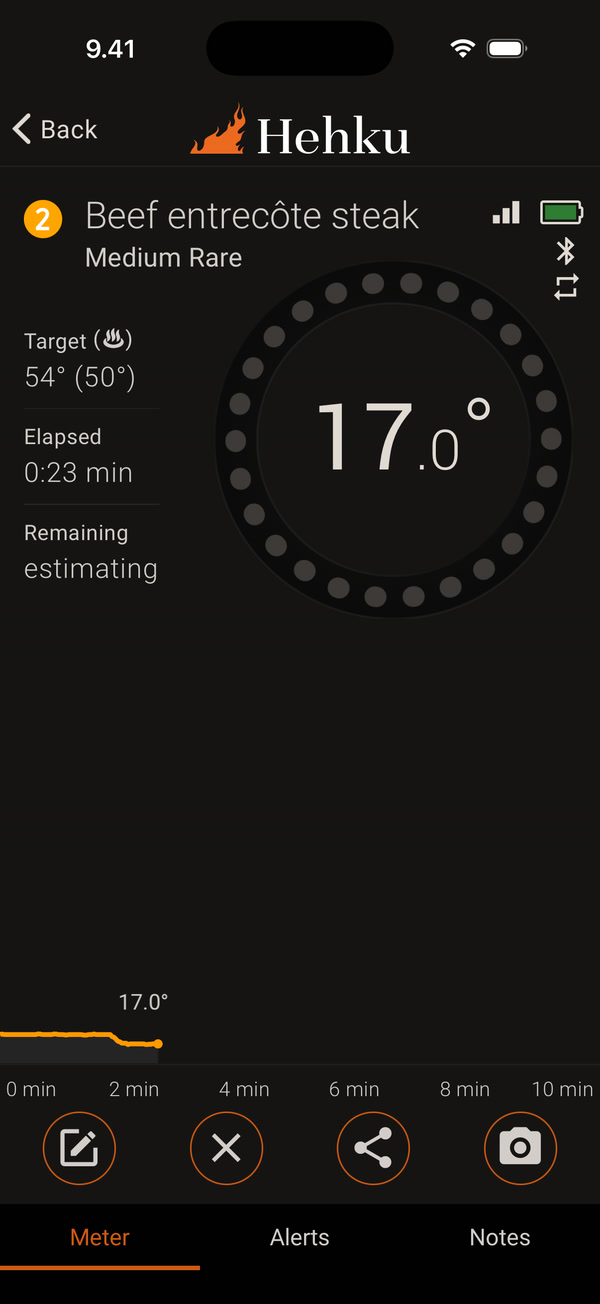
At the start of the cook, Remaining says “estimating”. The app watches how fast the meat temperature rises and works out the time from that.
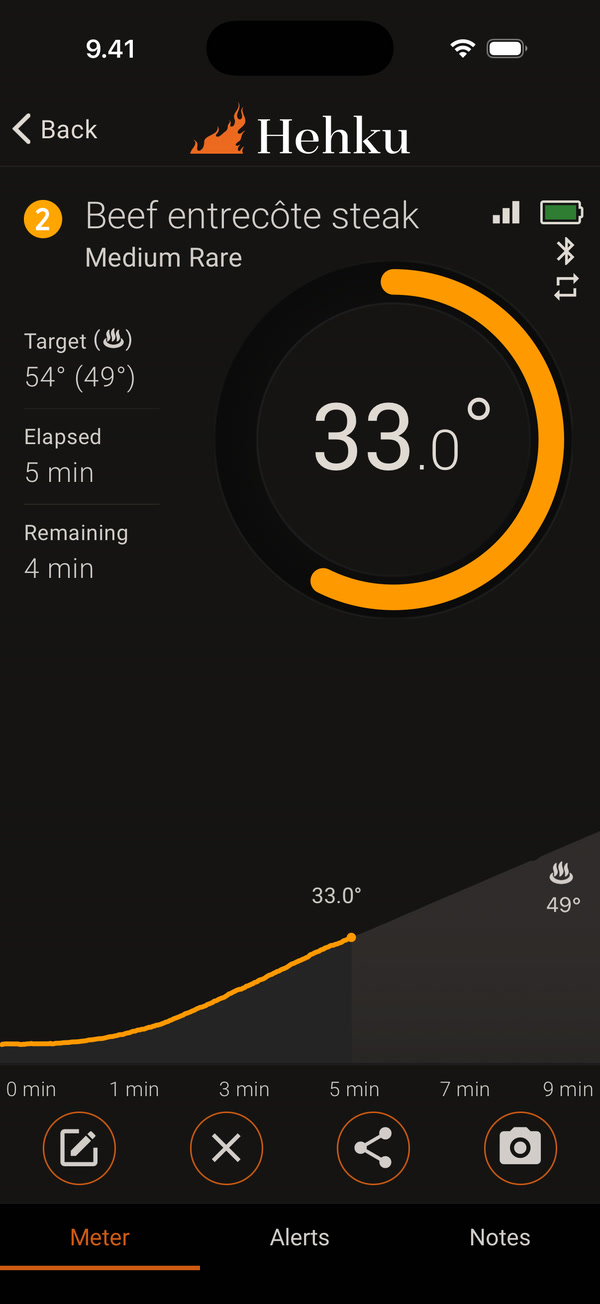
Once the estimate is ready, Remaining shows the time until you take the meat off the heat. The temperature in brackets after Target is the take-off temperature: the meat keeps cooking after it leaves the heat, so it comes off a little before the target. The shaded area and the flame mark on the chart show where the take-off is expected. The app refines the take-off temperature as the cook goes on.
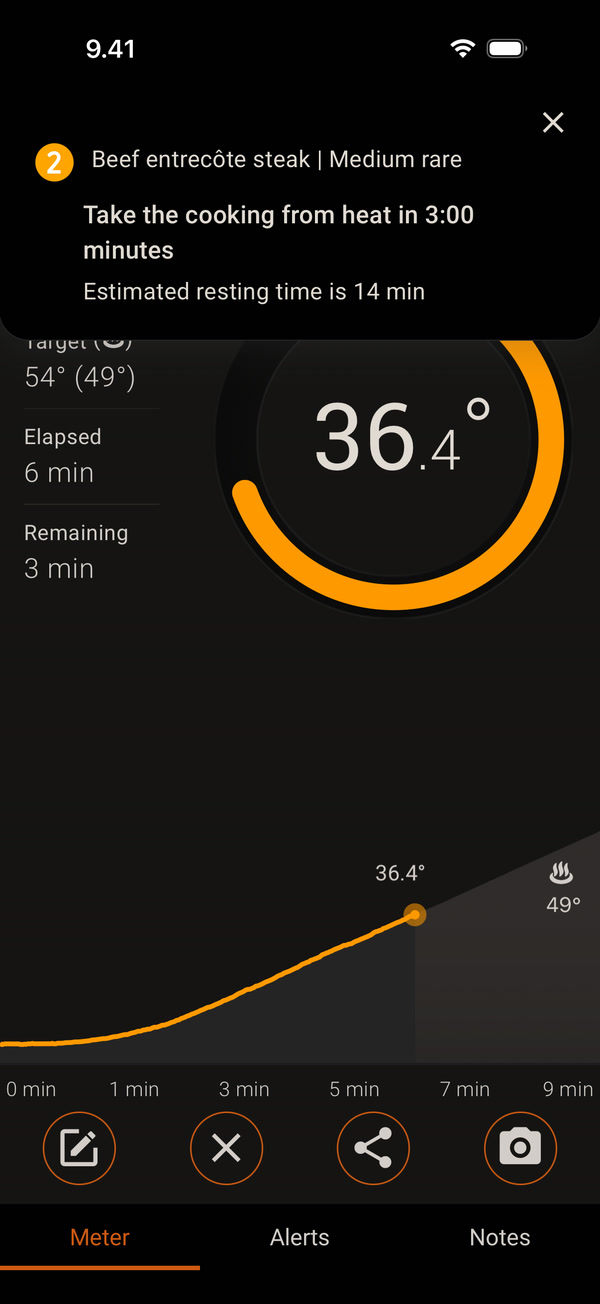
The app reminds you in advance, by default 3 minutes before: Take the cooking from heat in 3:00 minutes. The notification also tells you the estimated resting time. You can change how early the reminder comes on the Alerts tab.
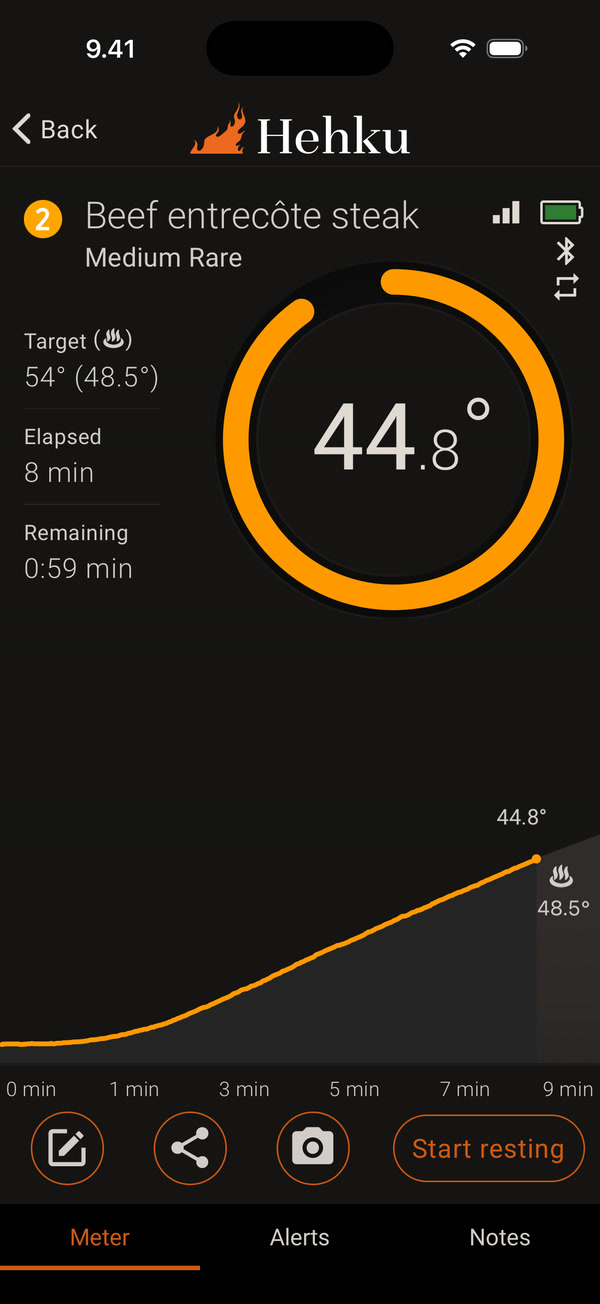
Near the end, Start resting appears in the bottom row. Use it to start resting yourself if you take the meat off the heat early. Otherwise you don’t need to tap it.
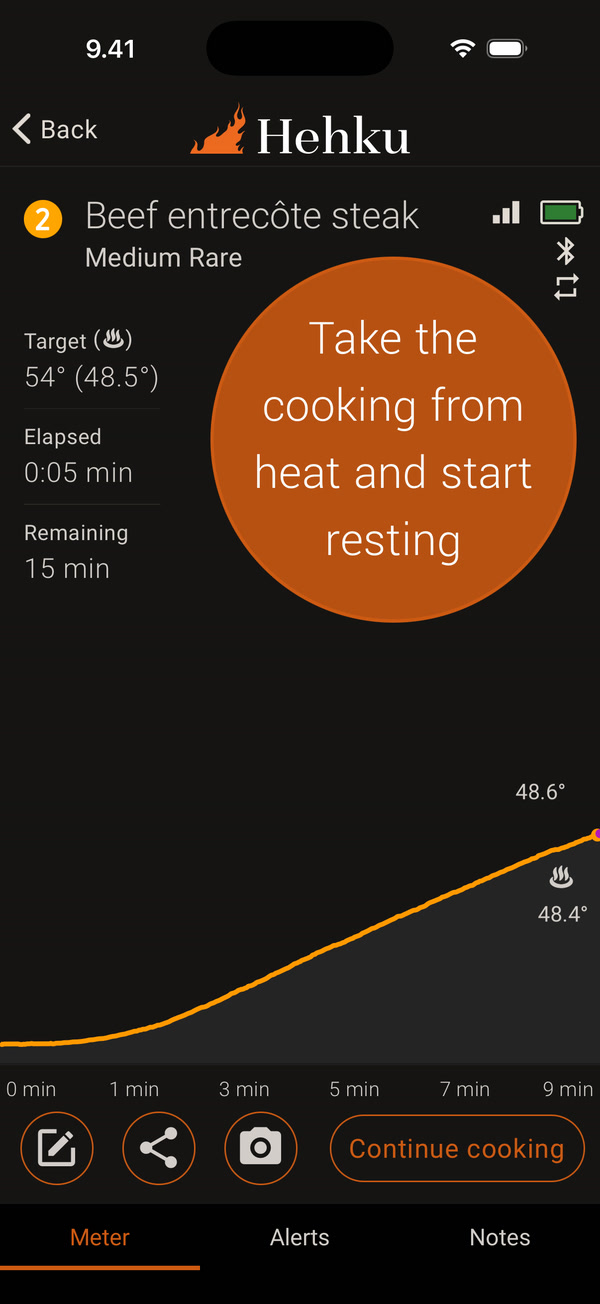
When the take-off temperature is reached, the app alerts you: Take the cooking from heat and start resting. Resting starts automatically, so all you need to do is take the meat off the heat. Remaining now shows the resting time. If you want the meat more done, tap Continue cooking.
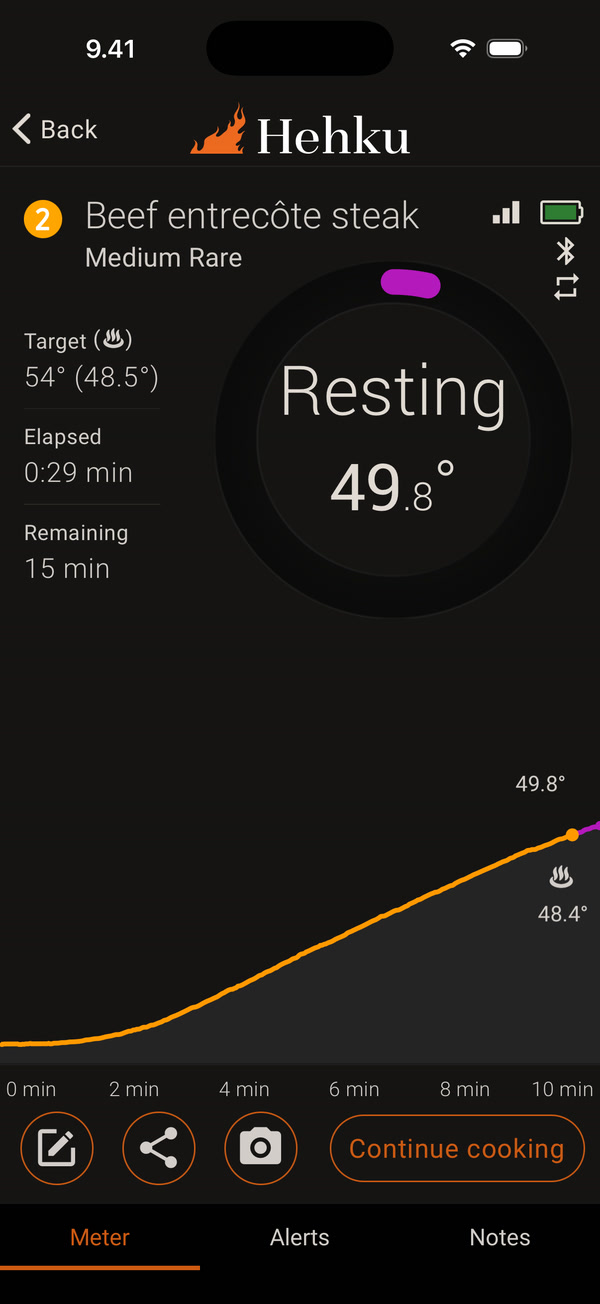
While the meat rests, the ring shows Resting and the meat temperature, which still rises for a while after take-off. The purple part of the ring and the chart shows the resting. Keep the thermometer in the meat until resting is done.
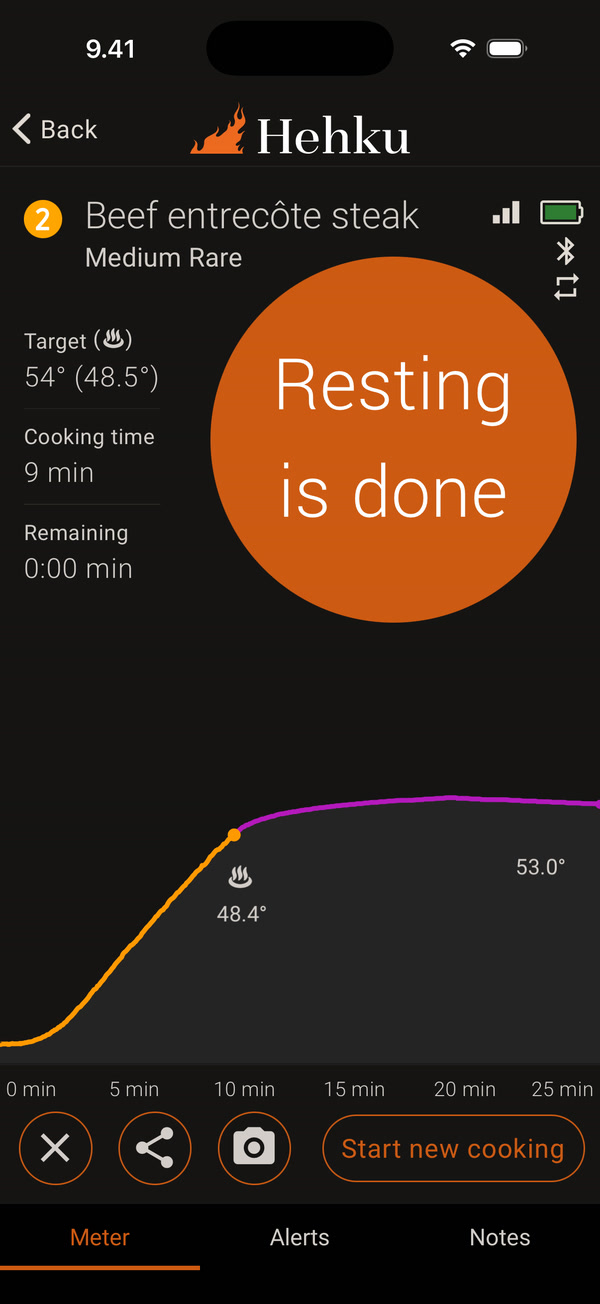
When the resting time has passed and the temperature has started to drop, the app tells you: Resting is done. The chart shows the peak temperature. The meat is ready to serve. Start new cooking starts your next cook.
If you don’t want to follow the resting, open Meat and cooking settings when you start the cook and turn resting off. The app then only alerts you to Take the cooking from heat.


