The app alerts you at the key moments of a cook by default. You can also create your own alerts, for example when the temperature goes over a limit or when a timer runs out.
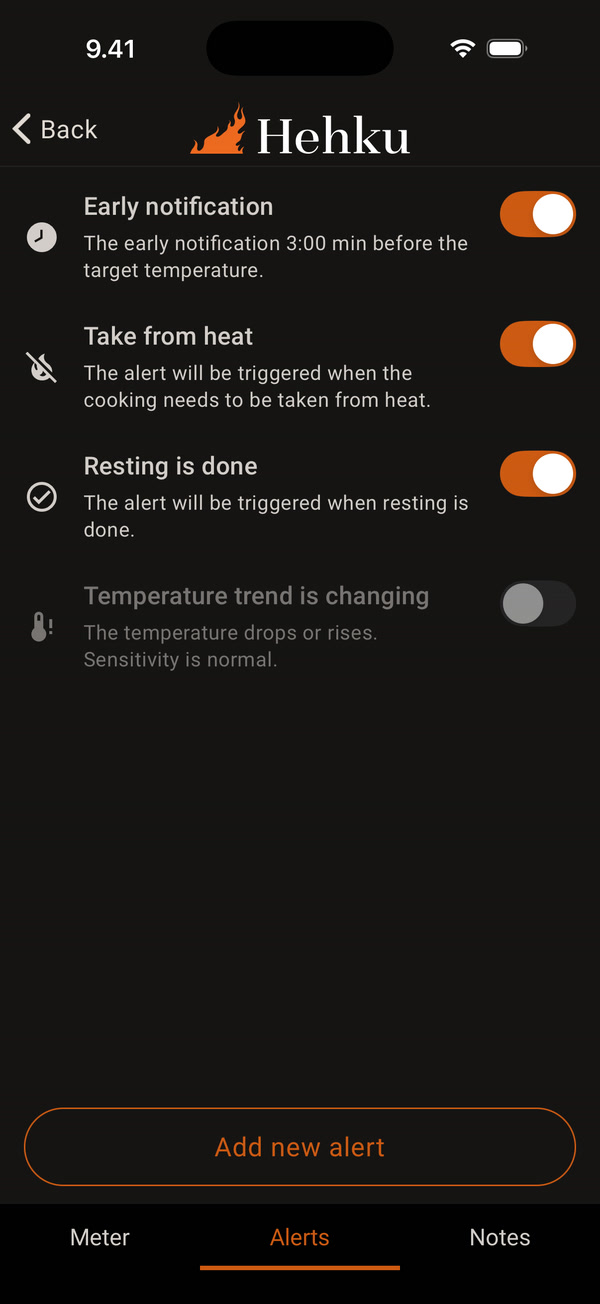
During a cook, open the Alerts tab on the thermometer screen. Early notification, Take from heat and Resting is done are on by default. Temperature trend is changing is off by default. Use the switch to turn an alert on or off. Tap Add new alert to add one.
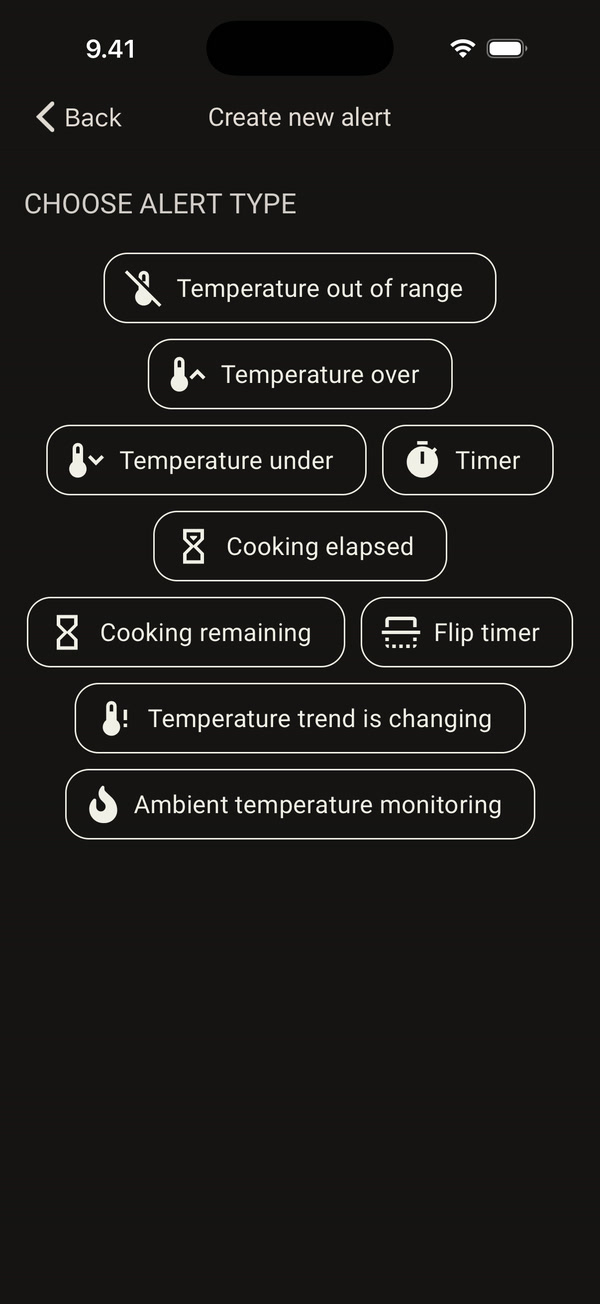
Choose the alert type: Temperature out of range, Temperature over, Temperature under, Timer, Cooking elapsed, Cooking remaining, Flip timer, Temperature trend is changing or Ambient temperature monitoring.
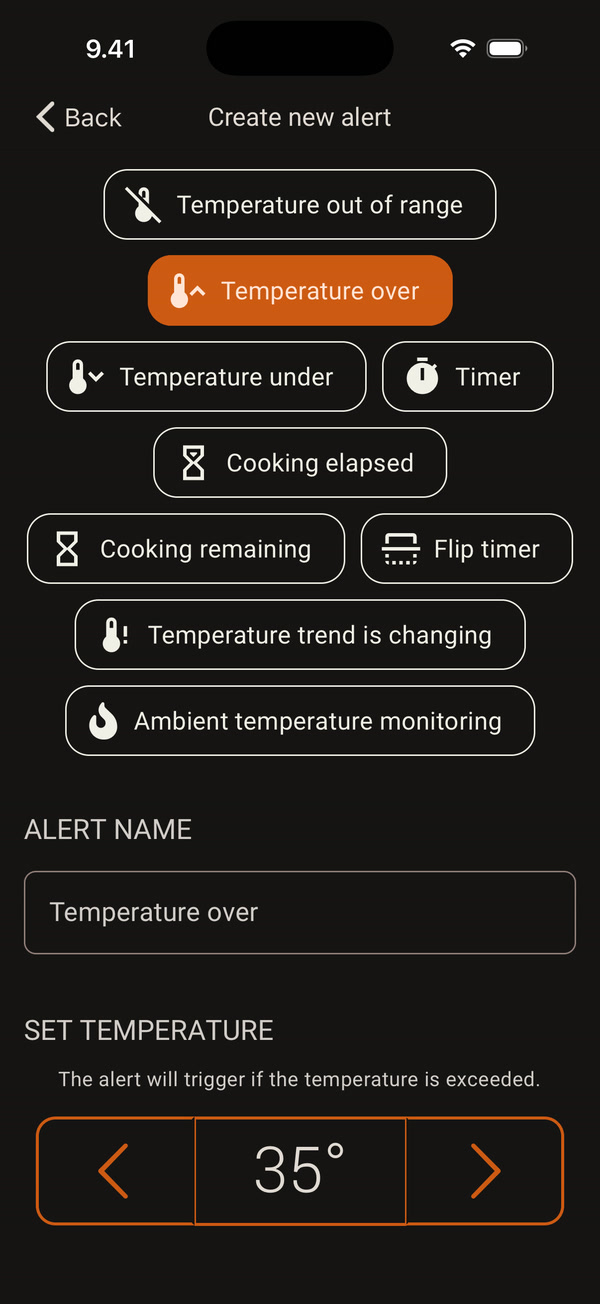
For example, Temperature over alerts you when the meat temperature goes over the limit you set. Adjust the limit with the arrows under Set temperature. The alert name is filled in from the type.
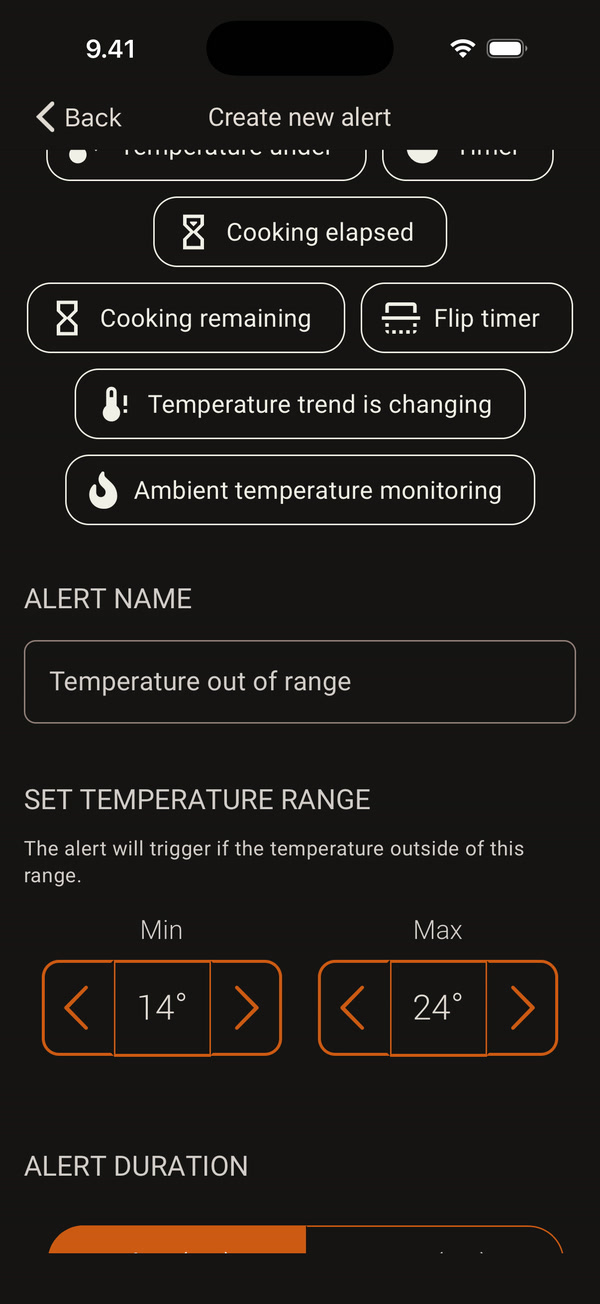
Temperature out of range alerts you if the temperature goes outside a range. Set the lower limit (Min) and the upper limit (Max).
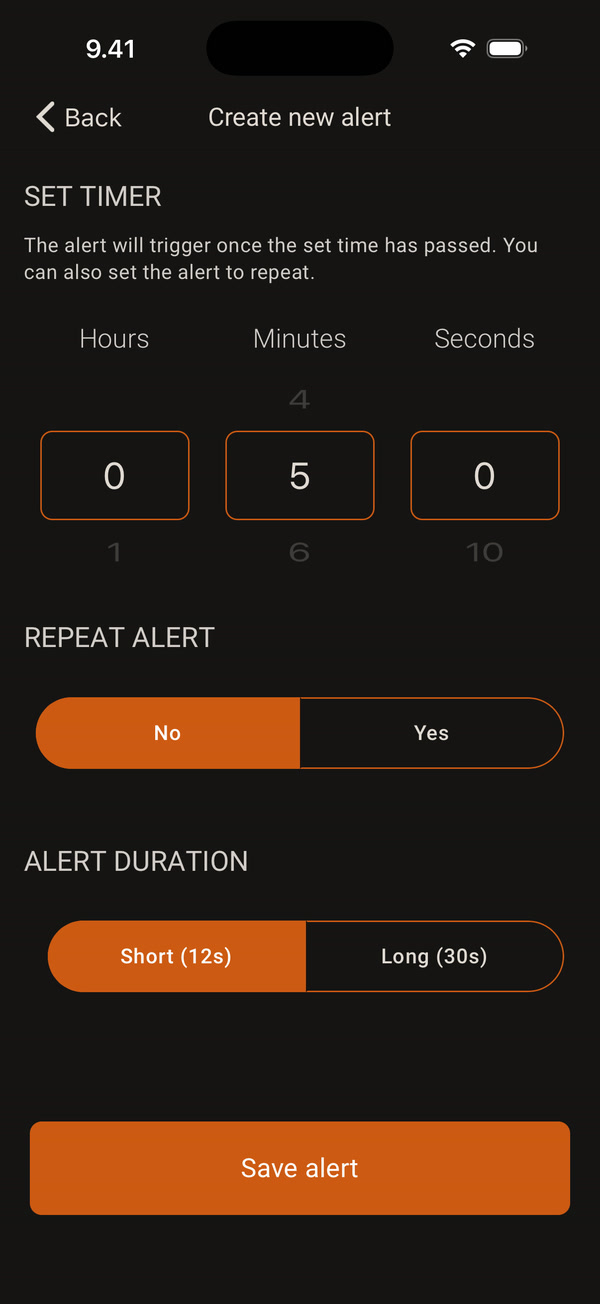
Timer alerts you when the time you set has passed. Choose hours, minutes and seconds. You can also set the alert to repeat.
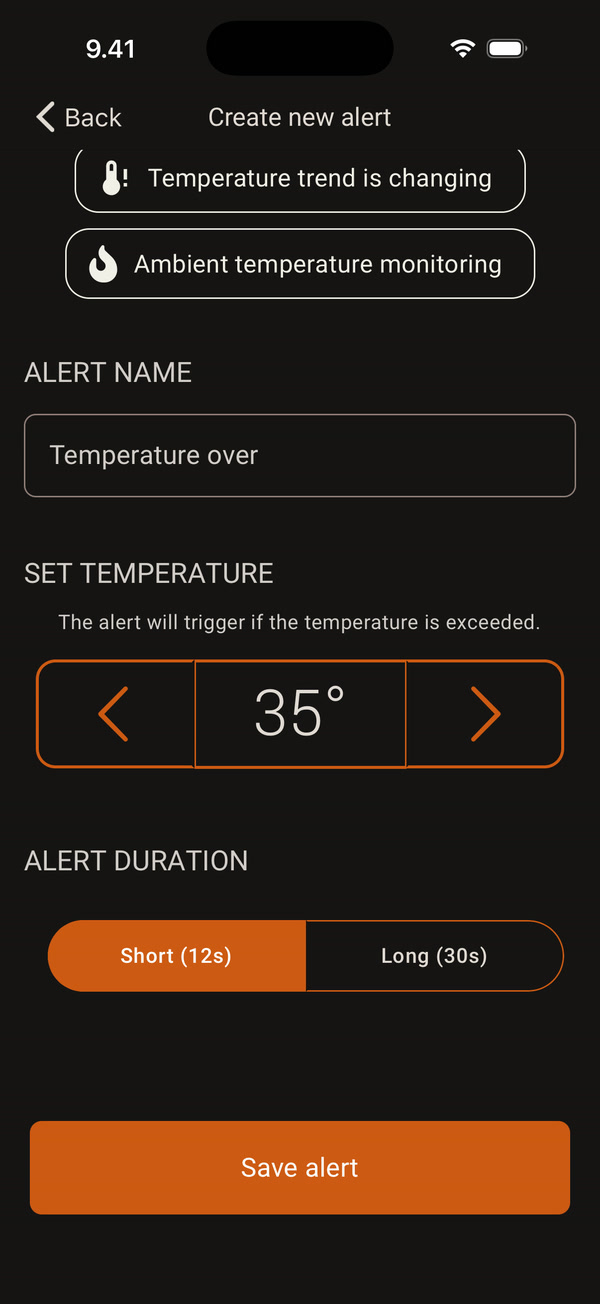
You can change the alert name and choose the Alert duration: Short (12s) or Long (30s). Finally, tap Save alert.
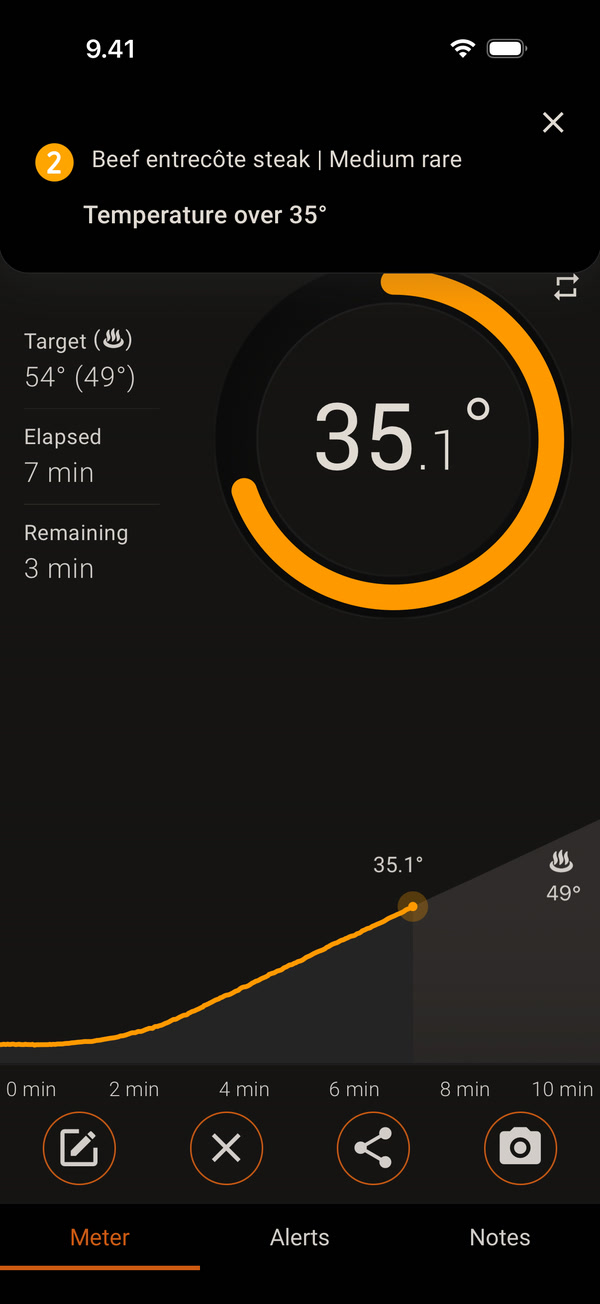
When the condition is met, your phone alerts you and a notification appears at the top, for example Temperature over 35°. To edit or delete an alert, tap it on the Alerts tab.
You can add your own alerts only once a cook is running. The default alerts can’t be deleted, but you can turn them off.


