This is how you start a cook in the Hehku app. You choose the food, the cooking method and the doneness, and the app tells you when to take the meat off the heat. In this example we pan-fry a beef entrecôte.
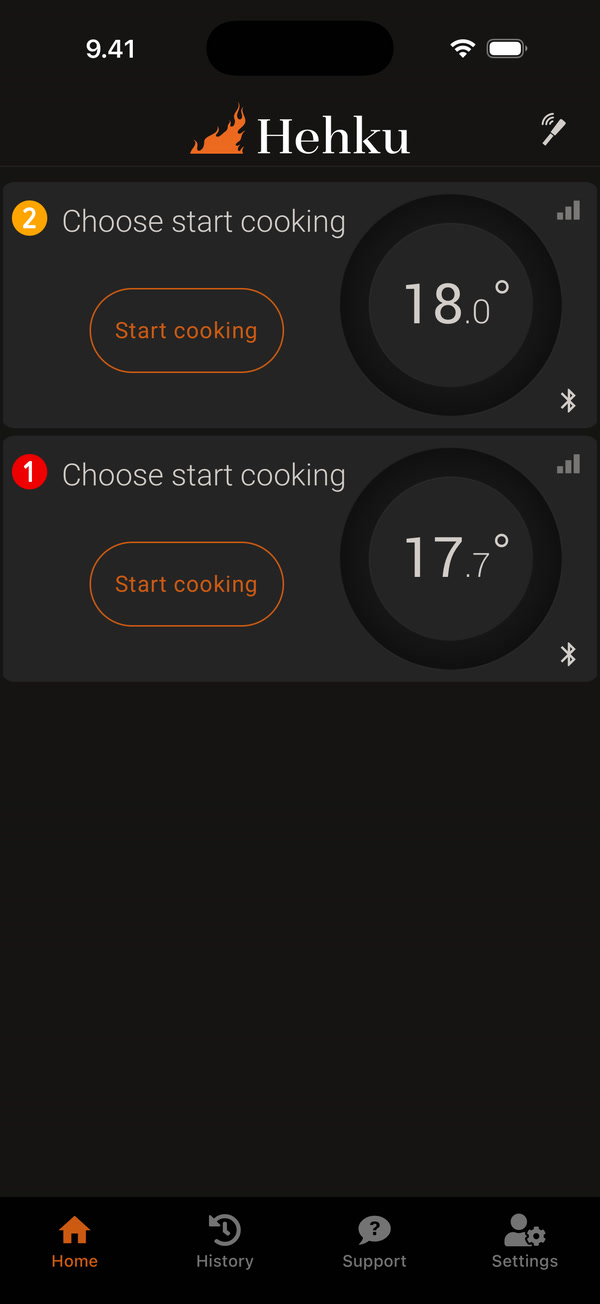
Turn on the dock and open the app. The home screen shows your connected thermometers and their temperatures. Insert the thermometer into the meat up to the safety mark and tap Start cooking on its card.
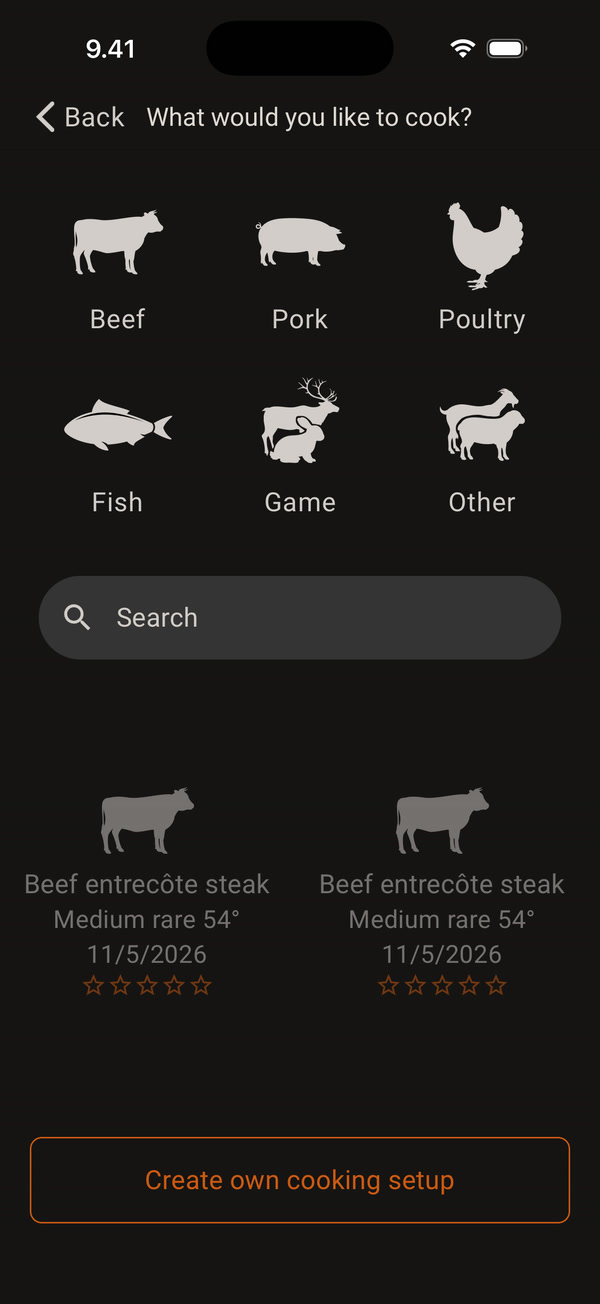
Choose a category, for example Beef. You can also look for the food with Search or pick one of your recent cooks at the bottom.
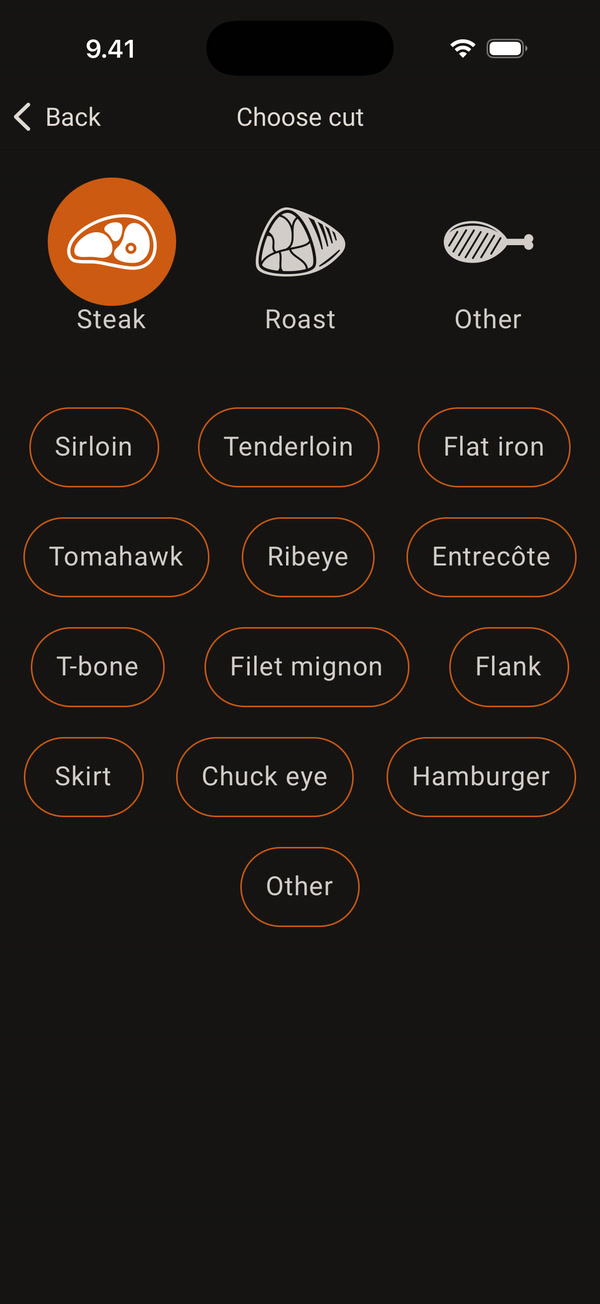
Choose the shape at the top, Steak, Roast or Other, and then the cut, for example Entrecôte.
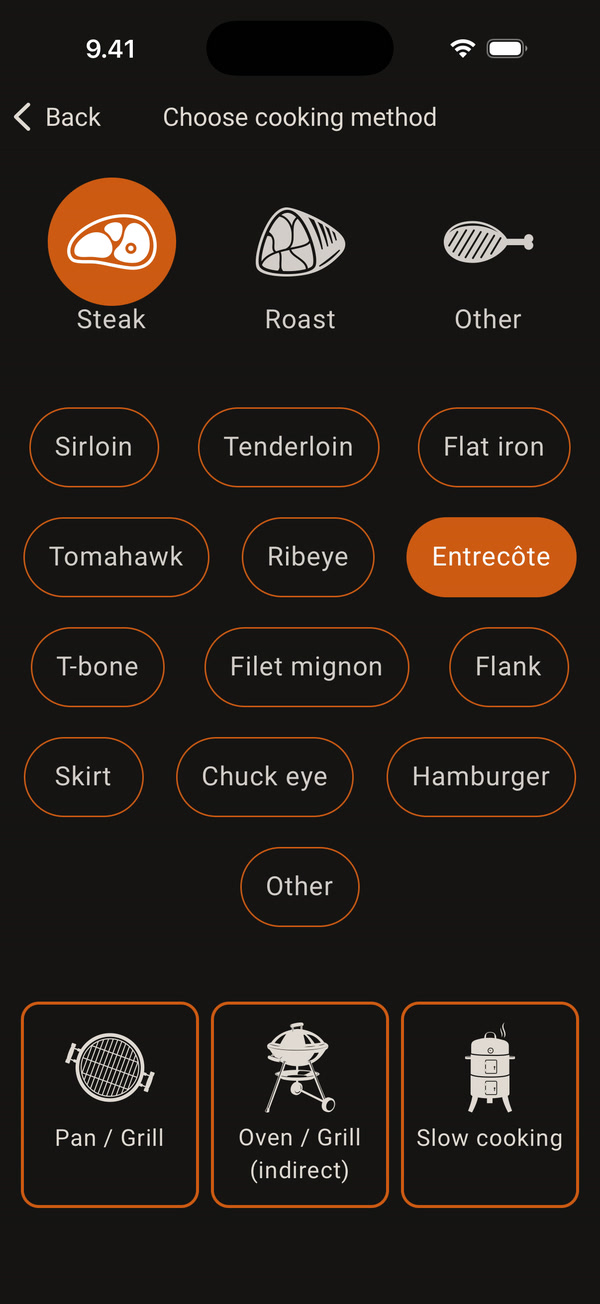
Choose the cooking method: Pan / Grill, Oven / Grill (indirect) or Slow cooking. This sets a suitable pan, grill or oven temperature for that method.
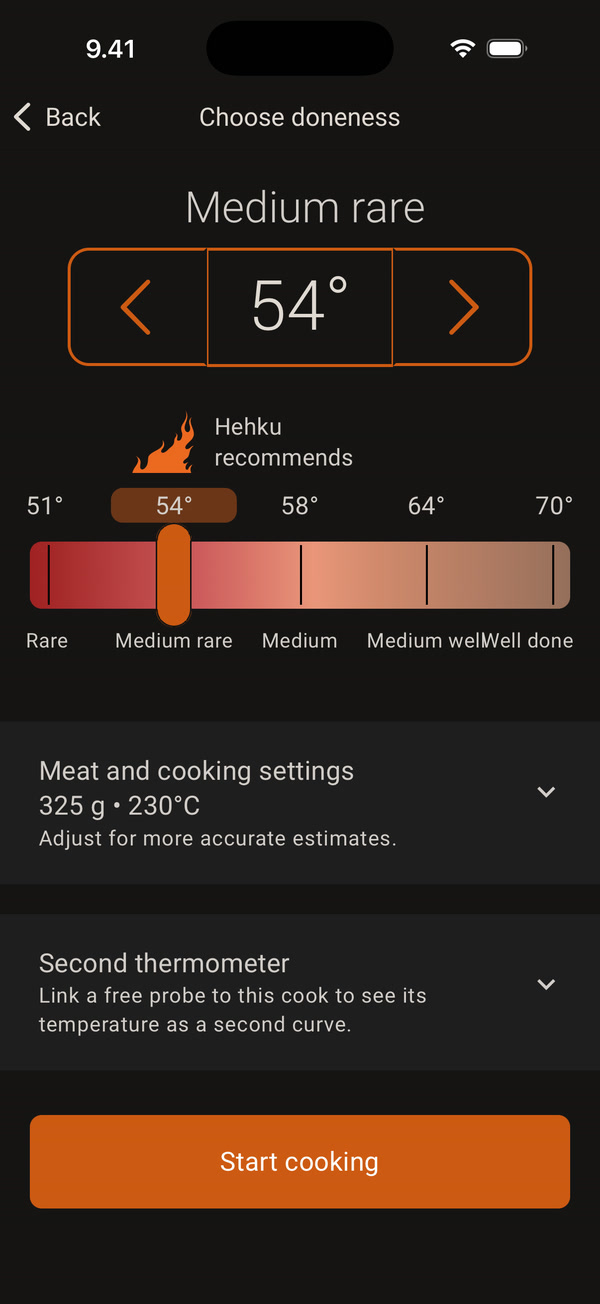
Choose the doneness with the slider or adjust the temperature with the arrows. The doneness Hehku recommends is marked with a flame: Hehku recommends.
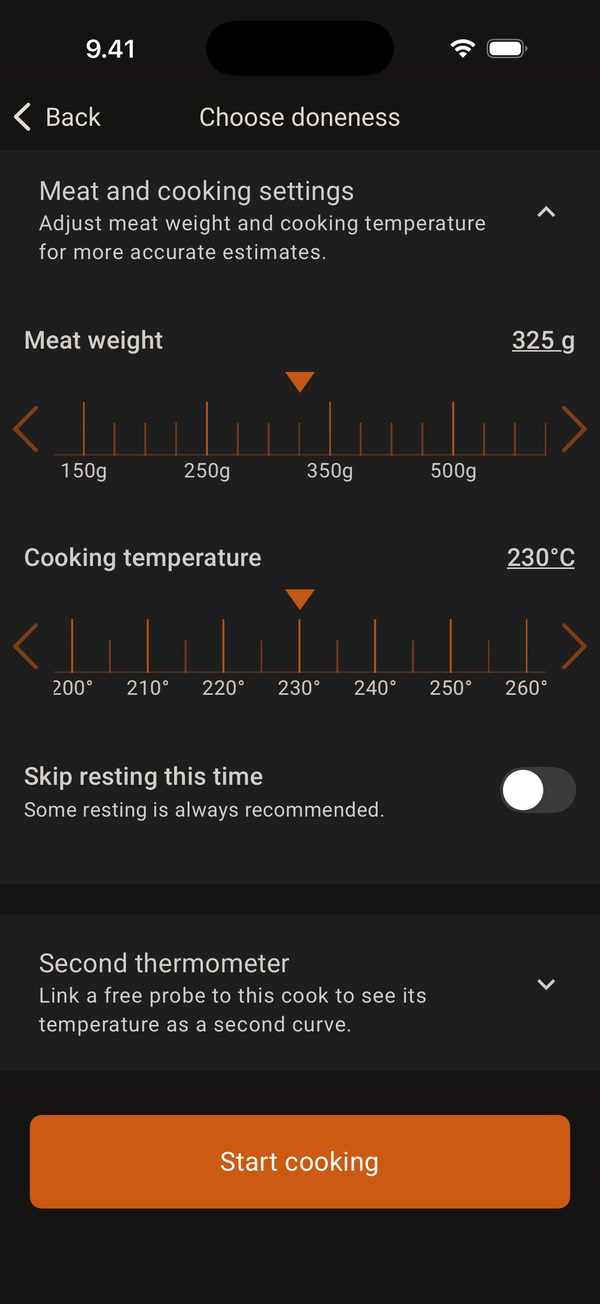
You can open Meat and cooking settings and set the meat weight and cooking temperature for a more accurate estimate. Here you can also skip resting this time, but some resting is always recommended. Finally, tap Start cooking.
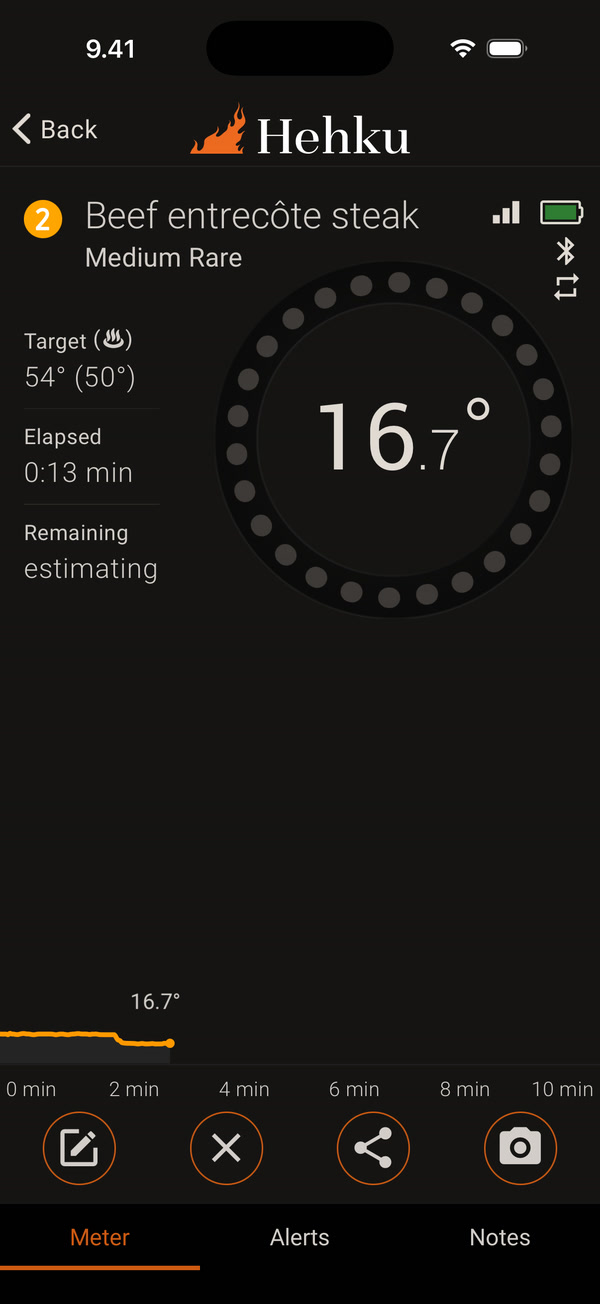
The thermometer screen opens. The ring shows the meat temperature. Target shows the target temperature and, in brackets, the temperature at which to take the meat off the heat. Remaining says “estimating” at first, until the app has worked out the time. With the buttons at the bottom you can edit, stop or share the cook, or take a photo.
When the meat reaches the take-off temperature, the app alerts you and resting starts automatically. All you need to do is take the meat off the heat.


